
Keep Google Business Profile photos moving
GMB Helper.ai helps agencies and local operators turn approved photos into a steady GBP posting workflow.
Free for 3 days, first charge on day 4. 30-day money-back guarantee.
Upload your photos once
Drop in a batch of job photos. They join the queue for that profile.
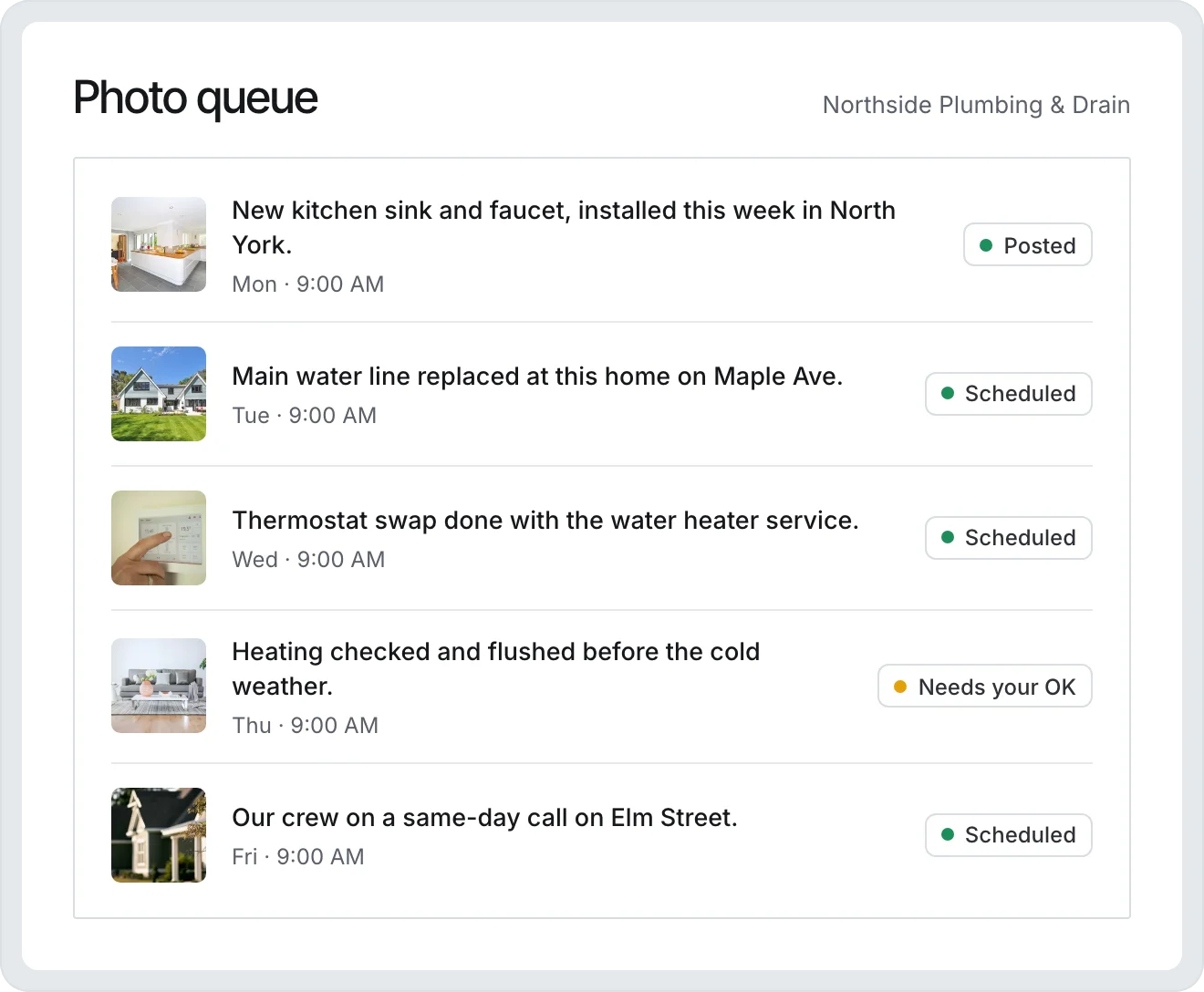
Turn approved photos into a queue
Local businesses often have useful job photos, team photos, project photos, and service images sitting in folders. GMB Helper.ai helps teams organize approved assets and keep photo posting moving so each profile looks maintained instead of forgotten.
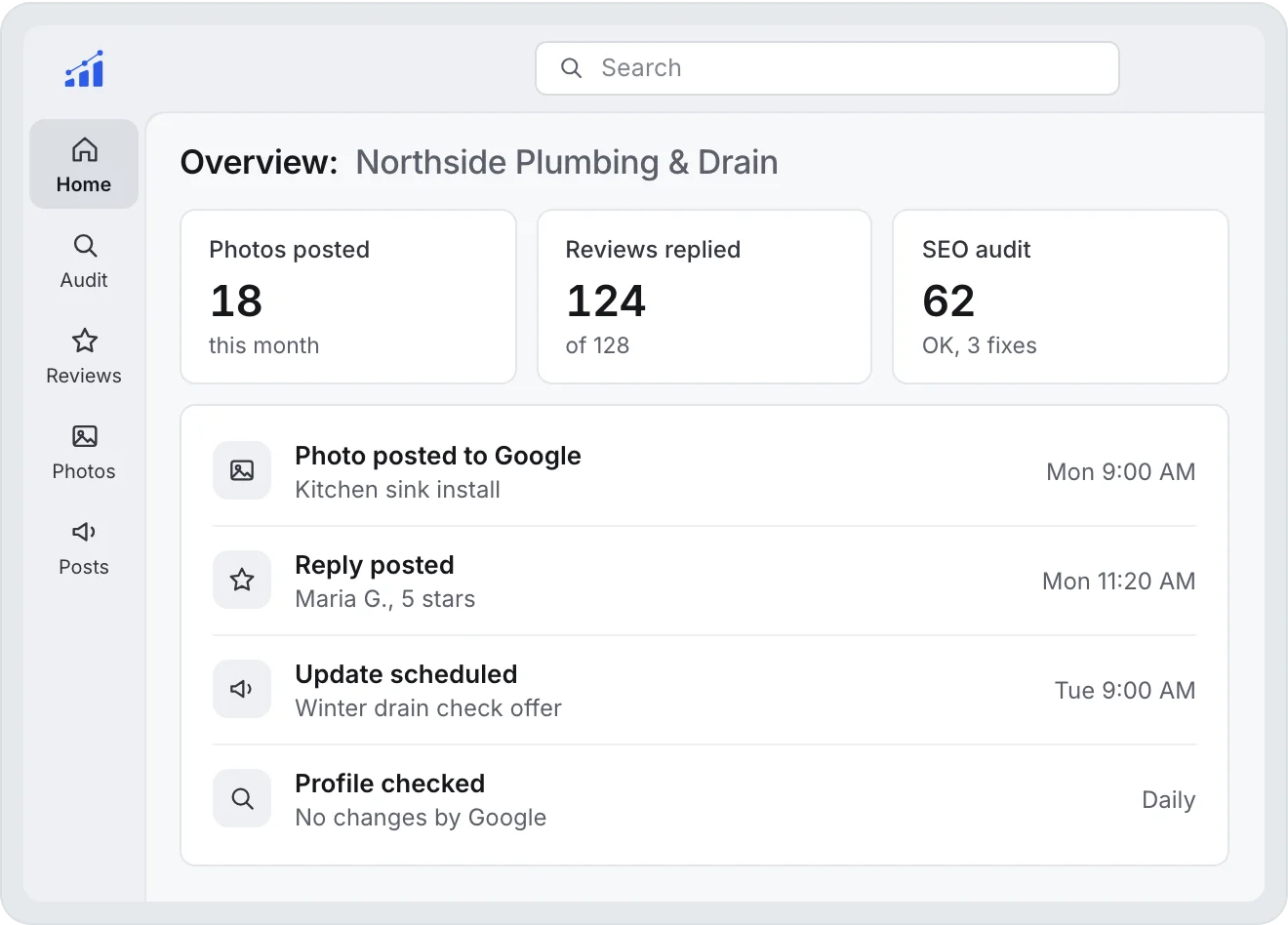
Manage photo work alongside the rest of GBP
Photo posting is only one part of Google Business Profile automation. In GMB Helper.ai, it sits beside review replies, updates, audits, and location work so agencies can run the full profile workflow without switching between disconnected tools.
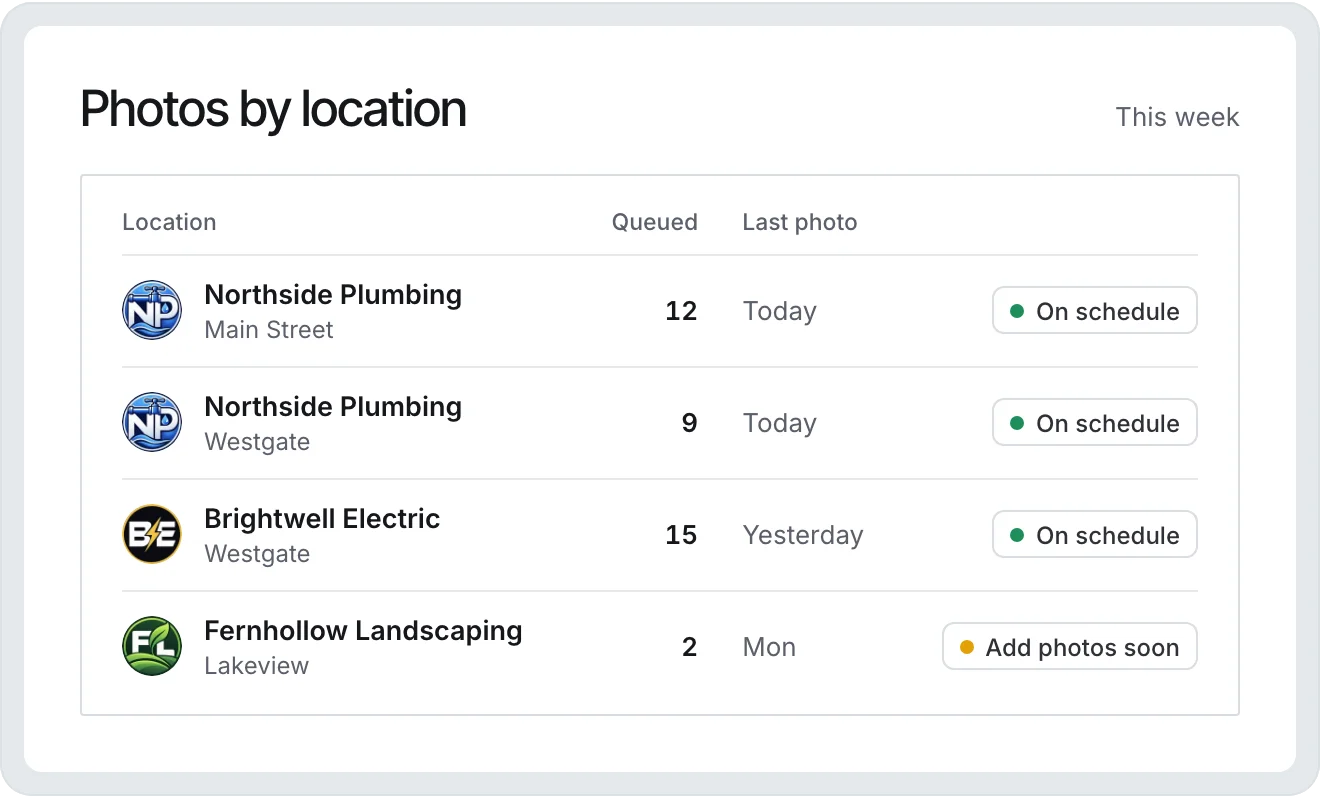
Useful for service-area and multi-location businesses
Contractors, home services, health, fitness, and other local businesses often need fresh visual proof of real work. A repeatable photo workflow helps teams keep those assets moving while still using approval control where needed.
FAQs
Can GMB Helper.ai post photos to Google Business Profiles?
Yes. The platform supports photo workflows so approved photos can be queued and published to connected profiles.
Can teams approve photos first?
Yes. Approval control can be used before publishing when an agency or client wants review steps.
Is this only for one business location?
No. The workflow is built for one profile, multiple profiles, or agency-managed client locations.
Guides
- How to schedule Google Business Profile posts, and when Google’s own scheduler is enough
Google now lets you schedule and repeat posts on the profile itself. The clicks, the three post types, why scheduled posts get rejected, and when a tool helps.
- How to schedule Google Business Profile posts for many locations without posting the same thing everywhere
Post to dozens of Google Business Profiles without one text copied everywhere: what Google’s share option does, where it stops, and a setup that scales.
Put every Google profile on autopilot
Free for 3 days, first charge on day 4. 30-day money-back guarantee.